Official Driver Resource Center

Driver Downloads

Official Windows & Android drivers for UIDAI-certified biometric devices.
Free to download. Remote installation support available.

Official Files Fast Download Latest Versions Install Support

Showing 7 driver packages

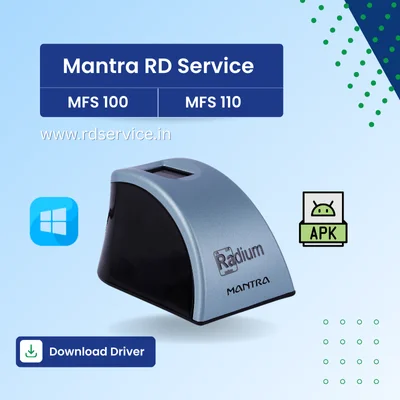
Mantra MFS 110 L1 RD Driver Download

Mantra MFS 110 L1 RD Driver Download

Download Mantra MFS100 / MFS110 L1 driver for plug and play installation, supporting Windows and Android. This fingerprint reader provides fast biometric authentication with very high accuracy and security. Certified through FBI PIV-071006 standards, it satisfies most IT security requirements and is thus best suited for Aadhaar Authentication, NDLM Enrollment, Jeevan Pramaan Patra Verification, and eMudra DSC services. The MFS110 L1 device has an IP54-rated casing that protects from dust and moisture, something that gives this device high durability in the toughest of conditions. The optical sensor is scratch-resistant, providing enhanced reliability and performance in daily use. Having good technical support and user-friendly installation, this device serves as a very reliable solution where governments, banks, and e-KYC application requires secure and fast identification.
Windows Android
Morpho MSO L1 RD Software Download

Morpho MSO L1 RD Software Download

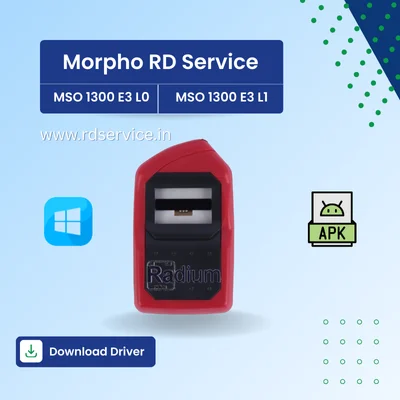
Download Morpho MSO 1300 E3 RD Service Windows 10 and above Supports Emitra, Spice Money, Aadhaar Portal, ekyc, and many more This compact biometric fingerprint authenticator protects from duplication. It supports a local host version 2.0.1.60 with extremely easy plug-and-play functionality. The service offers extremely fast and very easy installation without any preceding software setup. This can involve downloading the latest versions of Morpho drivers under Windows 10 and Android, with an improvement in the performance of systems. It will be one of the ideal ways approved by the states given the amount of applications having some kind of biometrics-related facilities. There will be adequate robustness in security factors but easy integration capabilities. Now it's the turn of enhancing your authentication methods using the latest Morpho drivers now!

Windows Android
Access FM220 L1 Driver Download

Access FM220 L1 Driver Download

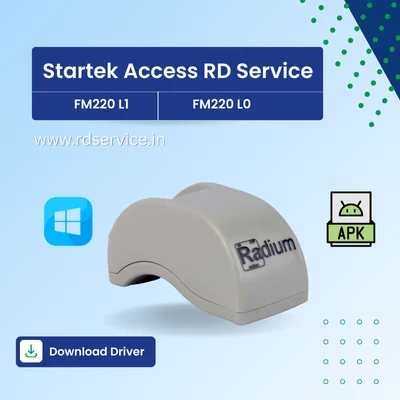
Download the Access Startek FM220U L1 RD Service driver on Windows & Android, for seamless integration with the Aadhaar Authentication API 2.5 and E-KYC API 2.5 and for secure biometric identification. The driver is easy to install in your system and it assures good performance during setup. The Access FM220U fingerprint scanner is STQC-certified and the RD Service software supports all government and financial applications such as Ayushman Bharat, PM SVANidhi and Fino Bank (Branch Use Only). The RD software is also compatible with Android devices as well, providing flexibility within the fields and remote authentication. Rdservice.in provide a complete set of RD drivers and updates along with tools to assist the process of installation. To download the Startek FM220U L1 RD Service software on Windows or Android, click on the following link.

Windows Android
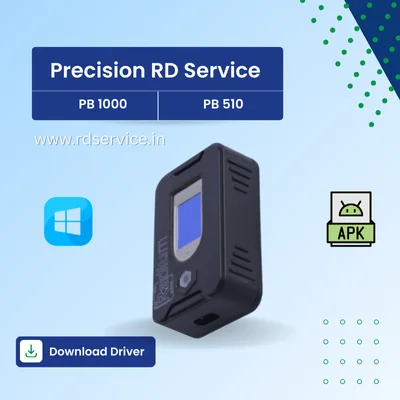
Precision Biometrics PB 1000 Download

Precision Biometrics PB 1000 Download

Download the Precision Biometrics PB 1000 L1 driver for advanced and reliable fingerprint authentication in the Aadhaar-based services, including Aadhaar Pay, E-Sign, Jeevan Pramaan and other e-Governance applications. The device is certified by STQC and is compatible with both Android and Windows platforms. The scanner is durable and has a heated outer body cover that can be used in severe conditions or outdoor weather without compromising performance. It captures biometric data securely and efficiently, supporting two factors authentication (2FA), user verification through SAP and secure digital workflow. The device has plug-and-play features making it simple to use in several kinds of IT, financial and government services. Install the driver to set up and start secure authentication.

Windows Android
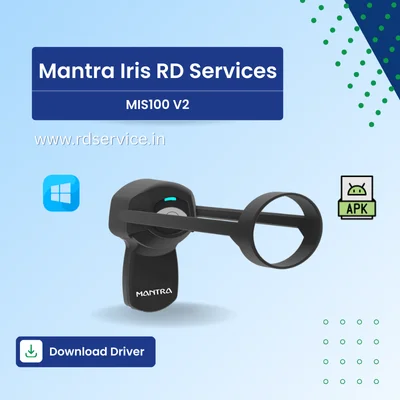
Mantra MIS100 Windows Drivers

Mantra MIS100 Windows Drivers

Download the Mantra MIS100 V2 IRIS Scanner driver on Windows and Android for biometric authentication service with advanced IRIS recognition. This USB IRIS scanner is designed to use in Govt. and private identity-based applications including Aadhaar Authentication, Banking, E-KYC, Access Control, and Jeevan Pramaan. The MIS100 V2 Mantra ensures user-friendly, security, testing, and superior image matching,ensuring reliable authentication even in different environmental conditions. The MIS100 V2 supports API 2.5 and E-KYC API 2.5 to ensure secure transactions that are also in compliance. The Mantra MIS comes with plug-and-play features which is easy to install and set up in an optimized manner. The device provides seamless integration into the Aadhaar system delivering accurate IRIS data for secure identity verification. Download the official application to run on supported devices or system.

Windows Android
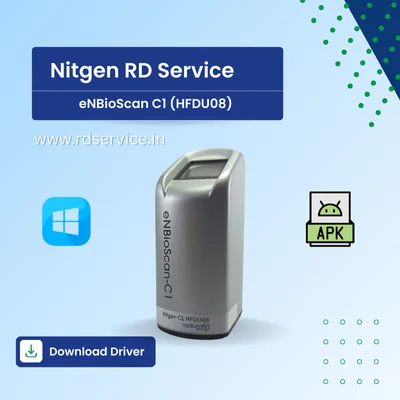
Nitgen eNBioScan C1 (HFDU08) Drivers

Nitgen eNBioScan C1 (HFDU08) Drivers

Download Nitgen eNBioScan C1 (HFDU08) Fingerprint Scanner driver, which is absolutely free, and experience a smooth plug-and-play work on Windows and Android operating systems. It is a UIDAI Aadhaar-compliant and STQC fingerprint scanner designed to support Aadhaar Authentication, Aadhaar Pay, biometric attendance, UIDAI enrollment, banking, eKYC, PDS distribution, and other enterprise and government applications. Its high level of security is achieved through its USB connection, fast and precise fingerprint, and the ability to perform in rugged environments because of its IP54 certification. Liveness Detection and Latent Fingerprint Detection are also supported to provide the security and reliability of an identity. Its small, ergonomic structure allows convenient use, and modern biometric technology immensely promising performance. The Nitgen HFDU08 is a reliable and effective system for all authoritative and personal use of identity management systems.

Windows Android
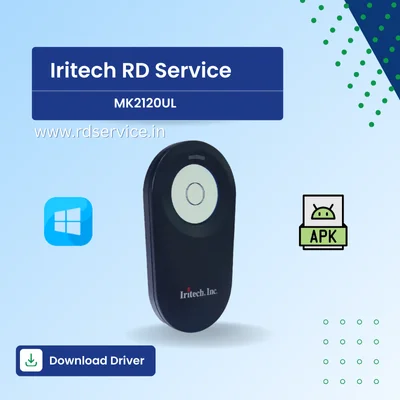
Iritech Irishield MK2120UL Drivers

Iritech Irishield MK2120UL Drivers

Download the Iritech IriShield MK2120UL RD service deriver, Single USB Iris Scanner to capture high-quality biometric data during authentication. These scanners use IR LED technology. Low-profile scanners can make high-resolution iris images possible. The images are, in fact, compliant with ISO/IEC 19794-6. Since it is not limited to one operational system but, in reality, works through Windows and Android, the IriShield MK2120UL Single USB Iris Scanner is commonly attractive towards applications that will comprise an enrollment and the biometric attendance systems. Installation processes are very straightforward; you merely need to download the driver, operate the installer in administrator level, and you just basically follow the subsequent prompts accordingly. For full cross-platform support, you may contact Iritech RD Service directly.

Windows Android

No drivers found

Try a different search or filter combination.

Driver download FAQs

Are these driver files official and safe to install?

Files listed here are meant for supported biometric devices used with RD Service. Always download the package that matches your exact device model and operating system. Keep antivirus updated and prefer downloads from this official resource center.

Should I choose Windows or Android?

Pick the OS where you will install the scanner software: Windows packages are for PC or laptop setups; Android APK or Play-linked flows are for mobile or tablet-based deployments. If you use both, install each build only on the matching platform.

Do I need RD Service activated before installing drivers?

Drivers install device-side software. RD Service registration links your hardware to UIDAI for live transactions. You typically install drivers first or alongside activation — follow the sequence suggested on your device page or by support.

Windows SmartScreen or antivirus blocked the installer — what now?

Use “Run anyway” or allow the app only if you downloaded it from this site for your model. If behaviour seems suspicious, pause and contact WhatsApp support before proceeding.

Can someone help me install the driver remotely?

Yes. Use WhatsApp support for guided installation, serial verification, and RD driver checks — average response is usually within minutes on business hours.

Are downloads free? Do I need an account?

Driver downloads from this hub are free. You may need order or device details when pairing with paid RD Service plans — support will confirm what is required for your scenario.

Talk to us?